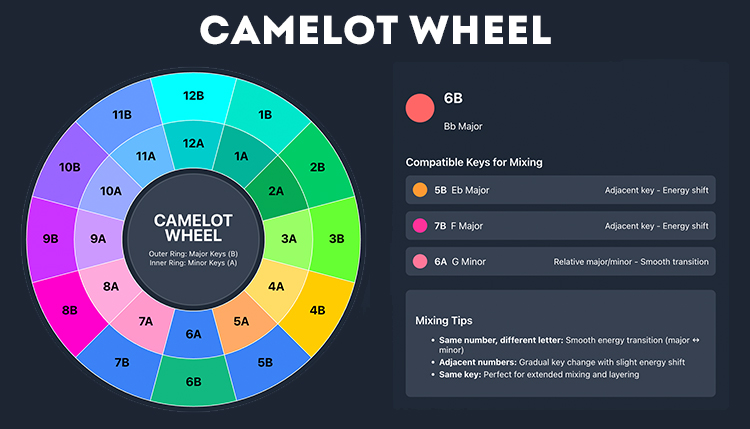
Camelot Wheel: Master Harmonic Mixing with Our Interactive DJ Tool
Discover the ultimate Camelot Wheel for DJs and producers. Use our interactive tool to find

Discover the ultimate Camelot Wheel for DJs and producers. Use our interactive tool to find
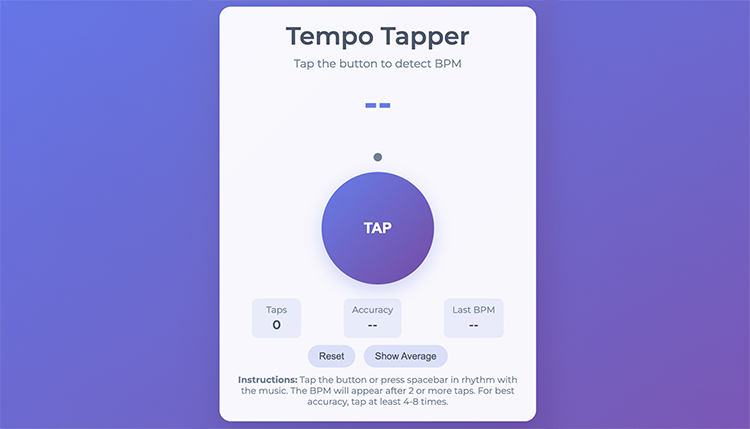
Table of Contents Free Online Tempo Tapper – Instantly Measure BPM with Precision Accuracy

Table of Contents Create Perfect Playlist Names Instantly with Our AI Playlist Name Generator
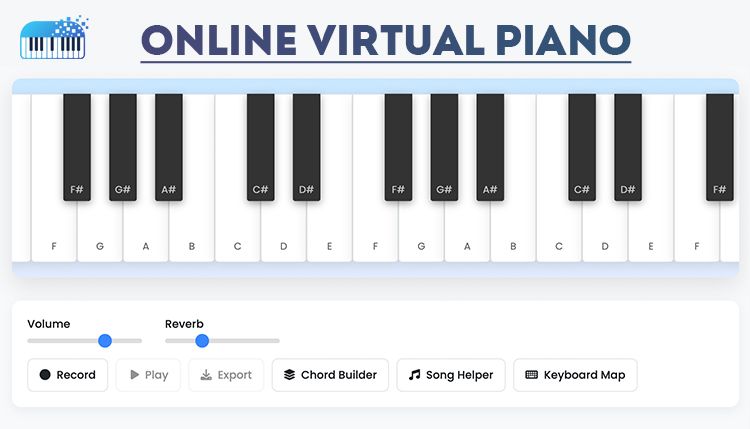
Play and learn piano with our free online virtual piano. Master your first song in
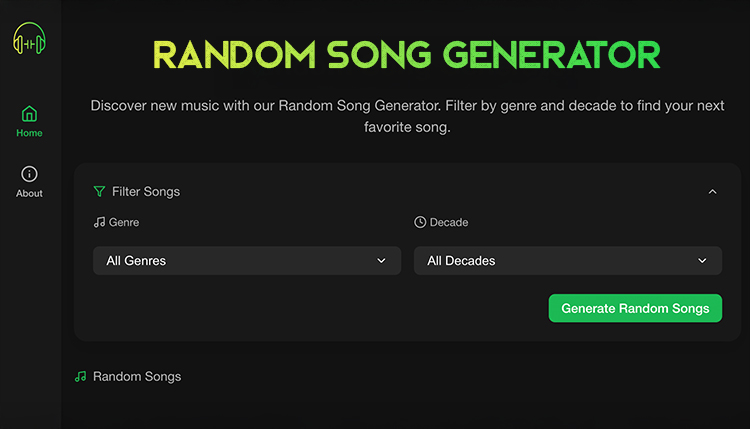
Discover new music instantly with our Random Song Generator! Filter by genre and decade to
Table of Contents Did you know that even professional guitarists check their tuning multiple
The best free online metronome to improve your musical timing and rhythm. Practice with customizable
Convert your WAV files to MP3 online instantly and free. Fast, secure, and easy-to-use WAV
Discover our comprehensive collection of 200+ music symbols with clear explanations for beginners and professionals
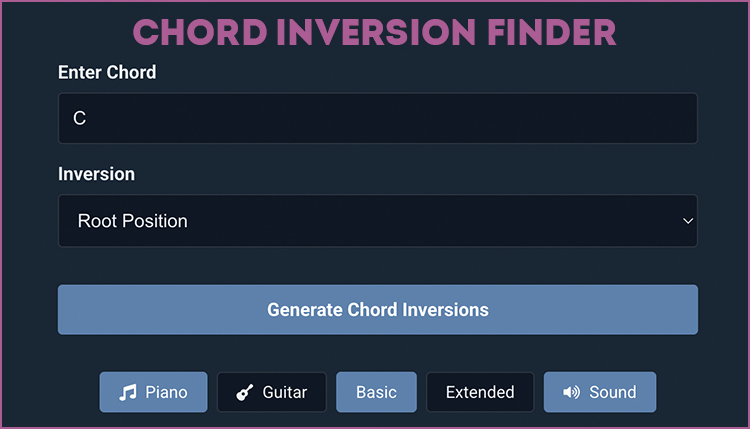
Find chord inversions with our free Chord Inversion Finder tool. Learn how to create rich
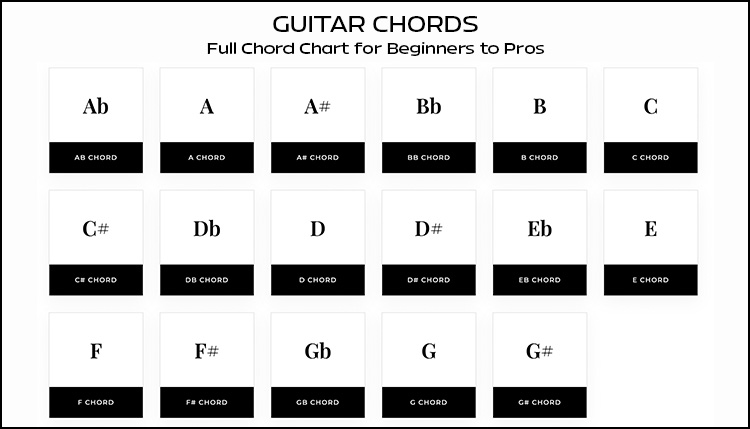
Learn essential guitar chords with clear diagrams, charts, tips for beginners and pros, plus popular

Discover how to find any song by lyrics with our in-depth guide to lyrics search
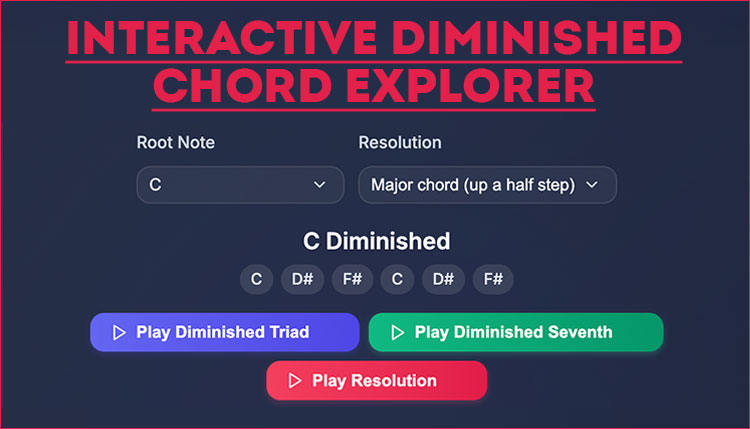
Learn what a diminished chord is, how it sounds, and how to use it in
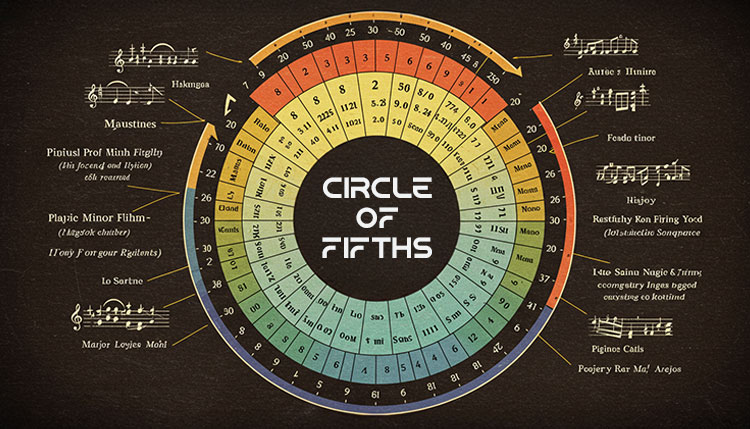
Master the Circle of Fifths with our interactive tool. Learn key signatures, chord progressions, and
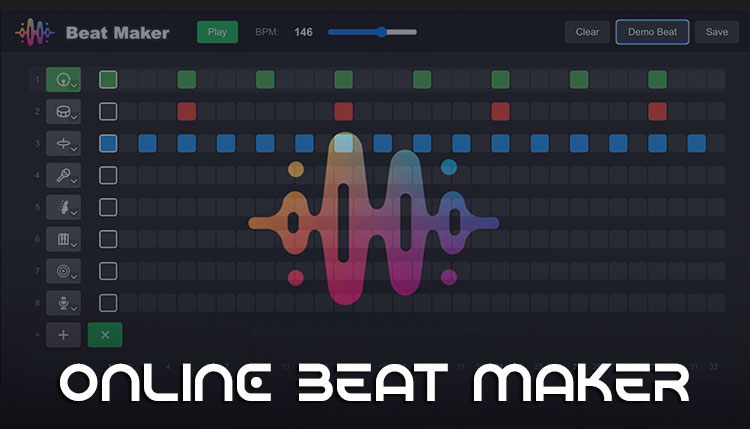
Create professional music with our free online Beat Maker. No download required – start producing
Discover everything about virtual drums in 2025! Learn how to play drums online, compare the

Discover the best song key finder in 2025! Learn how to identify musical keys instantly,
Discover how to use a guitar riff generator to create unique, professional-sounding guitar riffs in
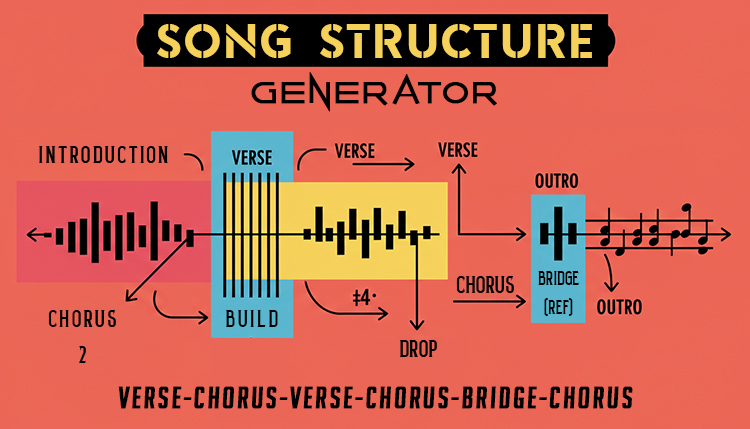
Use our song structure generator to create professional tracks. Learn proven formulas, AI tools, and

Ever wondered if you’re a soaring soprano or a deep bass? Taking a vocal range
Imagine this: you’ve got a melody in your head, but you can’t quite play it
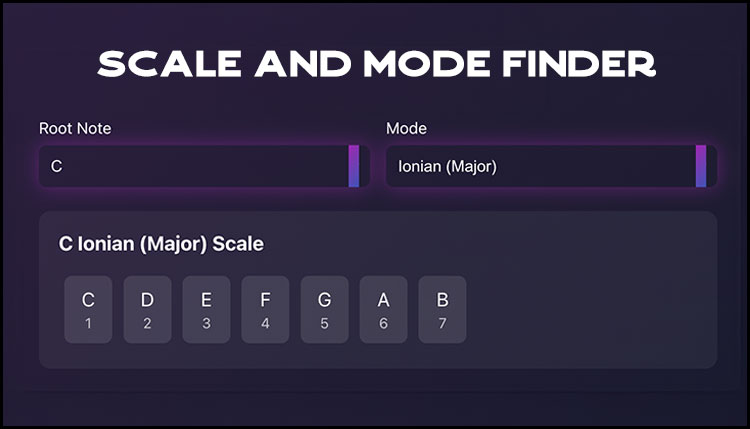
Discover how a Scale Finder helps musicians instantly find scales and modes in any key.
Master the Nashville Number System. Learn how professional musicians use this powerful method for chord
Use our guitar capo chart and placement calculator to transpose guitar chords. Perfect for players
Use our Chord Progression Generator to speed up your songwriting process. This calculator is a

Did you know that 78% of musicians earn over half their income from live performances?
Music is a dance between precision and feel, mathematics and emotion. Whether you’re a jazz
Calculate audio bitrates, file sizes, and streaming quality with our easy-to-use audio bitrate calculator. Learn
Use our free online Lyric Word Count Calculator 2024 to analyze your song lyrics! Get
Need to transpose a song to a different key? Our free key and chord transposition

Quickly convert BPM to milliseconds with our easy-to-use calculator! Perfect for musicians, producers, and audio

Calculate musical intervals between notes or find notes from intervals. A free online tool for