Spotify Playlist Analyzer : Get Insights Into Any Spotify Playlist
Unlock deep insights into any Spotify playlist with our advanced analytics engine. Analyze mood patterns,

Did you know that even professional guitarists check their tuning multiple times during a single performance?
There’s nothing more cringe-worthy than a beautifully played song ruined by an out-of-tune guitar!
Whether you’re a complete beginner holding your first guitar or a seasoned player looking to refine your tuning skills, mastering the art of guitar tuning is absolutely essential.
Let’s discuss everything you should know about using online guitar tuners – from understanding how they work to mastering advanced tuning techniques that will make you a better musician.
You’ll discover how to use our professional-grade online tuner, learn troubleshooting tips for web-based tuning, and even explore alternate tunings that can unlock new musical possibilities.
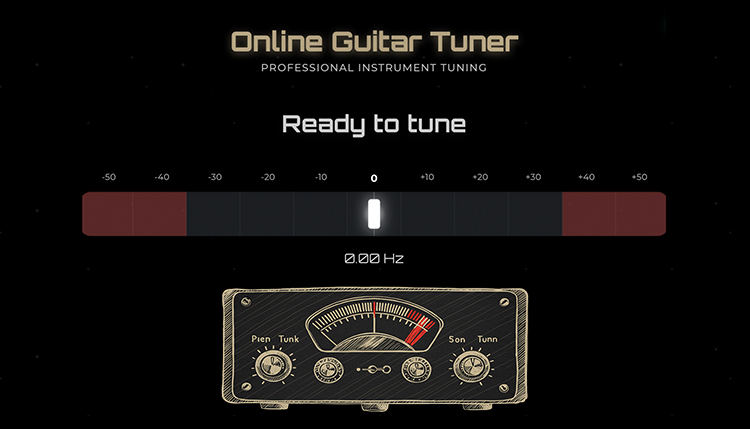
Here’s the moment you’ve been waiting for – a professional-grade online guitar tuner that actually works!
This isn’t your typical bargain-bin web tuner that looks like it was designed in 2005 and works about as well as a chocolate teapot.
Our custom-built guitar tuner combines cutting-edge Web Audio API technology with a sleek, modern interface that delivers the accuracy you’d expect from expensive hardware tuners.
The advanced pitch detection system uses high-precision frequency analysis to show you exactly how many cents off you are, which is incredibly helpful for developing your ear and achieving perfect intonation.
What makes this online tuner stand out from the crowd is its comprehensive instrument support that goes way beyond just guitar.
You get all the tunings that actually matter: standard tuning for everyday playing, drop D for those heavy riffs, open G for slide guitar work, and DADGAD for fingerstyle enthusiasts.
The intuitive visual feedback system features a linear grid visualizer that shows your tuning accuracy with color-coded zones, making it impossible to misread whether you’re sharp or flat.
Here’s what makes this online tuner genuinely professional:
The comprehensive settings system lets you dial in the tuner’s behavior to match your specific needs and playing environment.
You can adjust the smoothing factor for more responsive readings or increased stability, depending on whether you’re tuning quickly between songs or trying to achieve ultra-precise intonation.
Unlike most online tuners that are basically toys, this one includes professional features like audio input selection and adjustable clarity thresholds that you’d expect from premium tuning software.
The best part? It’s completely free and works instantly in your browser without downloading anything or creating accounts.
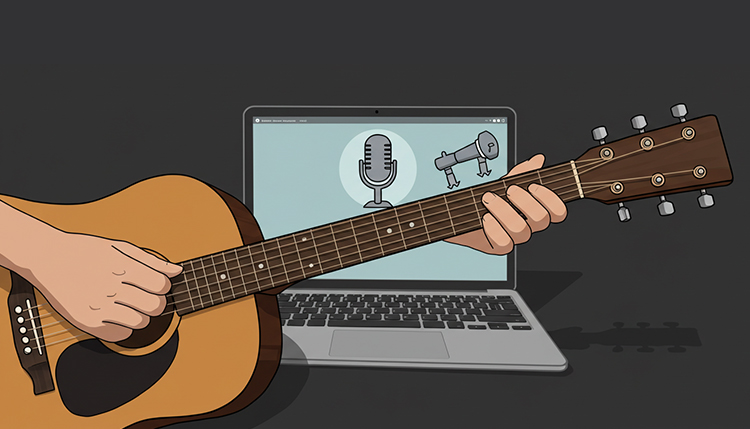
Using our online guitar tuner is straightforward, but knowing the right techniques can make the difference between frustrating tuning sessions and quick, accurate results.
Let’s walk through the exact process that’ll have you tuning like a pro in no time.
First things first – you’ll need to grant microphone access when your browser prompts you, because that’s how the tuner picks up your guitar’s sound.
Don’t worry about privacy; the audio processing happens entirely in your browser and nothing gets recorded or transmitted anywhere.
Position yourself close enough to your device so the microphone can clearly pick up your guitar’s sound, but not so close that you’re breathing on it or causing handling noise.
The sweet spot is usually about 1-2 feet away, depending on your device’s microphone sensitivity and the volume of your guitar.
Here’s the step-by-step process that works every time with our online tuner:
One cool feature of our tuner is the animated cursor that moves along the tuning grid, giving you instant visual feedback about your progress.
The color-coded zones make it crystal clear whether you’re sharp (too high), flat (too low), or right on target.
The key to success with any online tuner is understanding that microphone-based tuning requires a reasonably quiet environment.
If you’re in a noisy room, try moving closer to your device or adjusting the clarity threshold in the settings to filter out background noise.
For electric guitars, you can either tune acoustically (unplugged) or plug into an amp with the volume turned up enough for the microphone to pick up clearly.
The tuner works great with both acoustic and electric guitars, bass guitars, ukuleles, and mandolins – just make sure to select the right instrument mode for the most accurate results.
Pro tip: Always approach the correct pitch from below (flat) rather than above (sharp), as this helps maintain better tuning stability once you’re done.
If you overshoot and go sharp, back off and approach from the flat side again for the most stable tuning.
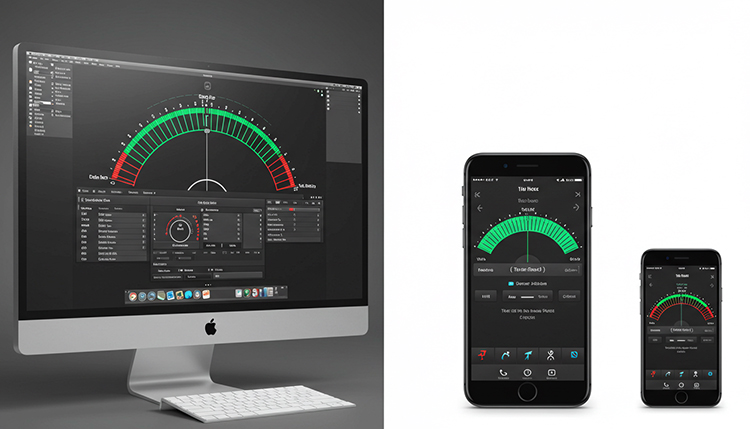
You might be wondering why you’d use a browser-based tuner when there are tons of smartphone apps available.
The truth is, online guitar tuners have some serious advantages that make them the smart choice for many situations.
Screen real estate is a huge factor that most people don’t think about until they’re squinting at their phone trying to see tiny tuning displays.
When you’re using an online tuner on a laptop or desktop, that big screen makes everything easier to read, especially in dim lighting conditions or when you’re positioned farther from the device.
The larger display means you can see the visual feedback more clearly, making it easier to achieve precise tuning without straining your eyes.
Processing power is another major advantage of browser-based tuners running on computers versus smartphones.
Laptops and desktops typically have more computational headroom, which translates to more sophisticated audio processing algorithms and smoother real-time performance.
This means less lag between when you pluck a string and when the tuner responds, plus more stable readings that don’t jump around erratically.
Here’s where online tuners really shine compared to mobile apps:
The convenience factor can’t be overstated – you don’t need to remember to download an app, worry about compatibility with your phone’s operating system, or deal with app permissions and privacy concerns.
Browser-based tuners work the same way whether you’re on Windows, Mac, Linux, or even a Chromebook.
Battery life is another consideration that favors online tuners when you’re using a plugged-in computer.
Smartphone tuning apps can drain your phone’s battery pretty quickly, especially if you’re using them for extended practice sessions.
When you’re using an online tuner on a laptop or desktop, you don’t have to worry about killing your phone’s battery during long practice sessions or gigs where you need your phone for other things.
Of course, there are times when smartphone apps make more sense – like when you’re traveling light, playing acoustic guitar outdoors, or just need a quick tune-up away from your computer.
The beauty is that you can use both approaches depending on your situation, but for serious practice sessions at home or in the studio, online tuners often provide a better overall experience.

Standard tuning is just the beginning of your guitar journey, and our online tuner supports a wide range of alternate tunings that can completely transform your playing experience.
Let’s explore the most useful alternate tunings and how to achieve them using our professional tuning interface.
Drop D tuning is the perfect gateway into alternate tunings, and it’s incredibly simple to achieve with our tuner’s preset modes.
Just select “Drop D” from the sidebar navigation, and the tuner will guide you through dropping that low E string down to D while keeping everything else in standard tuning.
This tuning opens up massive power chords that you can play with just one finger across the bottom three strings, making it a favorite among rock and metal players.
Open G tuning transforms your guitar into a slide player’s dream machine, and our tuner makes it easy to get there accurately.
The tuning creates a G major chord when you strum all strings open (D-G-D-G-B-D from low to high), which is why legends like Keith Richards and Ry Cooder have used it to create some of the most iconic guitar sounds in music history.
DADGAD tuning is where things get really interesting for fingerstyle players and Celtic music enthusiasts.
Our tuner’s DADGAD preset ensures you hit each note precisely, creating that mysterious, droning quality that’s perfect for intricate fingerpicking patterns and atmospheric soundscapes.
Here’s how our online tuner makes alternate tunings accessible:
The beauty of using our online tuner for alternate tunings is that you can explore different musical possibilities without committing to purchasing specialized equipment.
Many guitarists are hesitant to experiment with alternate tunings because they’re worried about getting lost or not being able to get back to familiar territory.
With clear visual guidance and preset modes, you can confidently explore new sonic landscapes and discover sounds you never knew were possible on your instrument.
Different musical genres have their preferred alternate tunings, and our tuner supports the ones that actually matter for real-world playing situations.
Blues and slide guitarists gravitate toward open tunings like Open G and Open E because they create full guitar chords with just a straight bar across the fretboard.
Folk and Celtic players love DADGAD and other modal tunings because they create rich, complex harmonies that work perfectly with finger style techniques.
Metal and hard rock players often use drop tunings (Drop D, Drop C, Drop B) because they facilitate heavy, percussive playing styles and make certain chord progressions much easier to execute.
The key to successfully using alternate tunings is understanding that each one has its own character and encourages different approaches to the fretboard.
Instead of trying to force standard tuning chord shapes into an alternate tuning, embrace the unique possibilities that each tuning offers and let it guide your musical exploration.
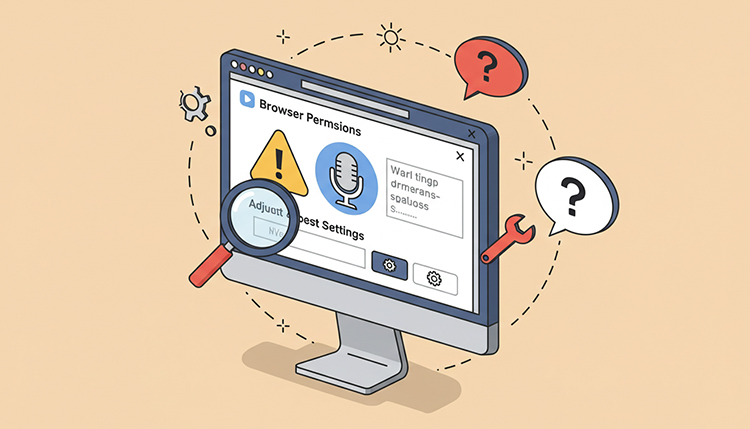
Even the best online guitar tuners can occasionally run into hiccups, but most issues have simple solutions once you know what to look for.
Let’s tackle the most common problems you might encounter and get you back to perfect tuning in no time.
Microphone permission issues are probably the most frequent roadblock for new users of online tuners.
If the tuner isn’t responding to your guitar at all, check your browser’s address bar for a microphone icon that might be blocked or crossed out.
Click on it and select “Allow” to grant microphone access, then refresh the page – this solves the problem about 90% of the time.
Background noise interference can drive you absolutely nuts when you’re trying to get accurate readings.
If your tuner is picking up random sounds or giving erratic readings, try moving to a quieter location or adjusting the clarity threshold in the settings menu.
Sometimes even things like air conditioning, computer fans, or traffic outside can throw off microphone-based tuners.
Here are the most effective solutions for common online tuner problems:
Browser compatibility can occasionally cause issues, especially with older browsers that don’t fully support modern Web Audio API features.
If you’re experiencing persistent problems, try switching to a recent version of Chrome, Firefox, Safari, or Edge – these browsers have the best support for the advanced audio processing that makes online tuners work properly.
Audio input conflicts happen when multiple applications or browser tabs are trying to access your microphone simultaneously.
Close any other music software, video calls, or browser tabs that might be using audio input, then refresh the tuner page to get clean access to your microphone.
Guitar technique issues can masquerade as tuner problems, so don’t automatically blame the technology if you’re getting weird readings.
Make sure you’re plucking strings cleanly without accidentally touching adjacent strings, and avoid playing multiple strings at once when trying to tune a specific string.
Sometimes the problem isn’t the tuner at all – it’s the guitar itself.
Old strings, worn frets, or intonation issues can cause readings that seem inconsistent or wrong even when the tuner is working perfectly.
If open strings tune perfectly but fretted notes sound increasingly out of tune as you go up the neck, you’ve got an intonation problem that requires guitar setup work, not a different tuner.
Environmental factors like extreme humidity or temperature changes can affect your guitar’s tuning stability, making it seem like the tuner isn’t working when actually your instrument is going out of tune faster than usual.
The good news is that most online tuner issues are easily fixable with a little troubleshooting, and once you understand the common culprits, you’ll be able to diagnose and solve problems quickly.
Once you’ve mastered the basics of online tuning, it’s time to explore advanced techniques that can elevate your musicianship and make you more versatile as a player.
These methods go beyond simple “get in tune and play” approaches and can help you develop a deeper understanding of pitch, intonation, and musical relationships.
Precision tuning using cents deviation is where our online tuner really shines compared to basic tuning apps.
The real-time frequency display and cents readout allow you to achieve the kind of accuracy that professional musicians demand in recording and performance situations.
Instead of just aiming for the center of the green zone, you can fine-tune to within ±1 cent of perfect pitch, which is the level of precision used in professional recording studios.
Reference frequency adjustment is a powerful feature that most guitarists don’t even know exists, but it’s crucial for certain musical situations.
Our tuner allows you to adjust the A4 reference frequency from 420-460 Hz, which matters when you’re playing with instruments that use different tuning standards.
Some orchestras tune to A442 or A444, while certain styles of historical music use A432 or other reference pitches.
Here are advanced techniques that can improve your tuning accuracy and musical understanding:
Compensated tuning is an advanced technique where you intentionally tune certain strings slightly sharp or flat to compensate for the physics of guitar intonation.
Since guitar frets are positioned for equal temperament but string bending and fretting pressure can pull notes sharp, some players tune their open strings slightly flat knowing that their playing technique will bring the pitch up to where it needs to be.
Environmental adaptation involves using the tuner’s settings to compensate for less-than-ideal acoustic environments.
In a noisy room, you might increase the clarity threshold and smoothing factor to get more stable readings despite background interference.
For live performance situations, you might adjust the display hold time so readings remain visible long enough to make tuning adjustments even when stage lighting makes it hard to see fine details.
Real-time intonation checking is possible with our tuner’s precise frequency readings.
By comparing the frequency of fretted notes to what they should theoretically be, you can identify intonation problems and even check whether your guitar’s setup is optimized for your playing style and string gauge.
This level of analysis was previously only available with expensive professional tuning equipment, but our online tuner makes it accessible to any guitarist with a browser.
Harmonic series exploration becomes possible when you understand the relationship between the fundamental frequency shown on the tuner and the natural harmonics present in your guitar’s tone.
Advanced players can use this information to understand why certain chords sound more or less consonant and how to voice chords for maximum harmonic richness.
The goal of these advanced techniques isn’t just better tuning – it’s developing a deeper musical understanding that will make you a more complete musician in every aspect of your playing.

While our online guitar tuner works fantastic for practice sessions and most musical situations, there are definitely times when a dedicated hardware tuner might be the better choice for your needs.
If you’re a gigging musician who needs reliable tuning in loud, chaotic live environments, or if you’re looking for the ultimate in tuning accuracy and convenience, you might want to explore physical tuner options.
Hardware tuners excel in situations where online tuners face limitations – like noisy venues where microphone-based tuning becomes difficult, or stage setups where you need silent tuning capabilities that don’t require a computer or internet connection.
Clip-on tuners are perfect for acoustic players who want something lightweight and portable, while pedal tuners are essential for electric guitarists who need stage-ready reliability and the ability to tune silently during performances.
For a comprehensive breakdown of the best physical guitar tuners available, including detailed reviews, price comparisons, and recommendations for different playing styles and budgets, check out our complete guide to the best guitar tuners in 2025.
That guide covers everything from budget-friendly clip-on options to professional-grade pedal tuners, helping you find the perfect physical tuner to complement or replace your online tuning setup.
The beauty of understanding both online and hardware tuning options is that you can choose the right tool for each situation – use our online tuner for home practice and recording, and invest in a hardware tuner for live performance and situations where reliability is absolutely critical.
Mastering online guitar tuning opens up a world of musical possibilities right at your fingertips!
From the convenience of instant browser-based tuning to the precision of professional-grade pitch detection, you now have all the tools and knowledge needed to keep your guitar sounding its absolute best.
The key to success with online tuning is understanding how to optimize your environment, use the advanced features effectively, and troubleshoot any issues that might arise.
Whether you’re exploring alternate tunings that unlock new creative possibilities or using advanced techniques to achieve studio-quality precision, our online tuner provides the foundation for serious musical growth.
Remember that tuning is more than just a technical necessity – it’s a musical skill that connects you more deeply with your instrument and improves your overall ear training.
Take advantage of the educational opportunities that come with using a feature-rich online tuner, from understanding frequency relationships to experimenting with different reference pitches and tuning approaches.
The most important thing is to make tuning a natural part of your playing routine rather than a chore you rush through.
Start implementing these techniques in your practice sessions today, and you’ll quickly notice improvements not just in how your guitar sounds, but in your overall musical understanding and confidence as a player!
Unlock deep insights into any Spotify playlist with our advanced analytics engine. Analyze mood patterns,
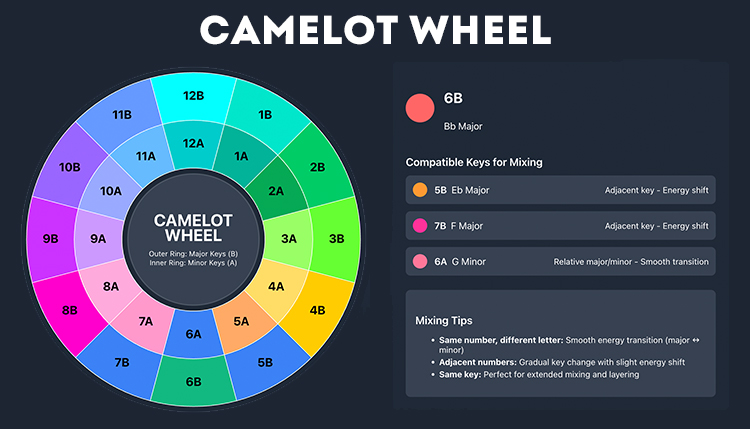
Discover the ultimate Camelot Wheel for DJs and producers. Use our interactive tool to find
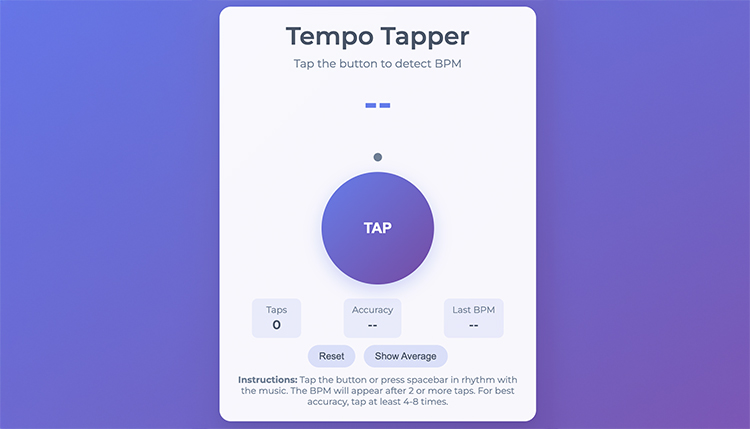
Table of Contents Free Online Tempo Tapper – Instantly Measure BPM with Precision Accuracy
Table of Contents Create Perfect Playlist Names Instantly with Our AI Playlist Name Generator
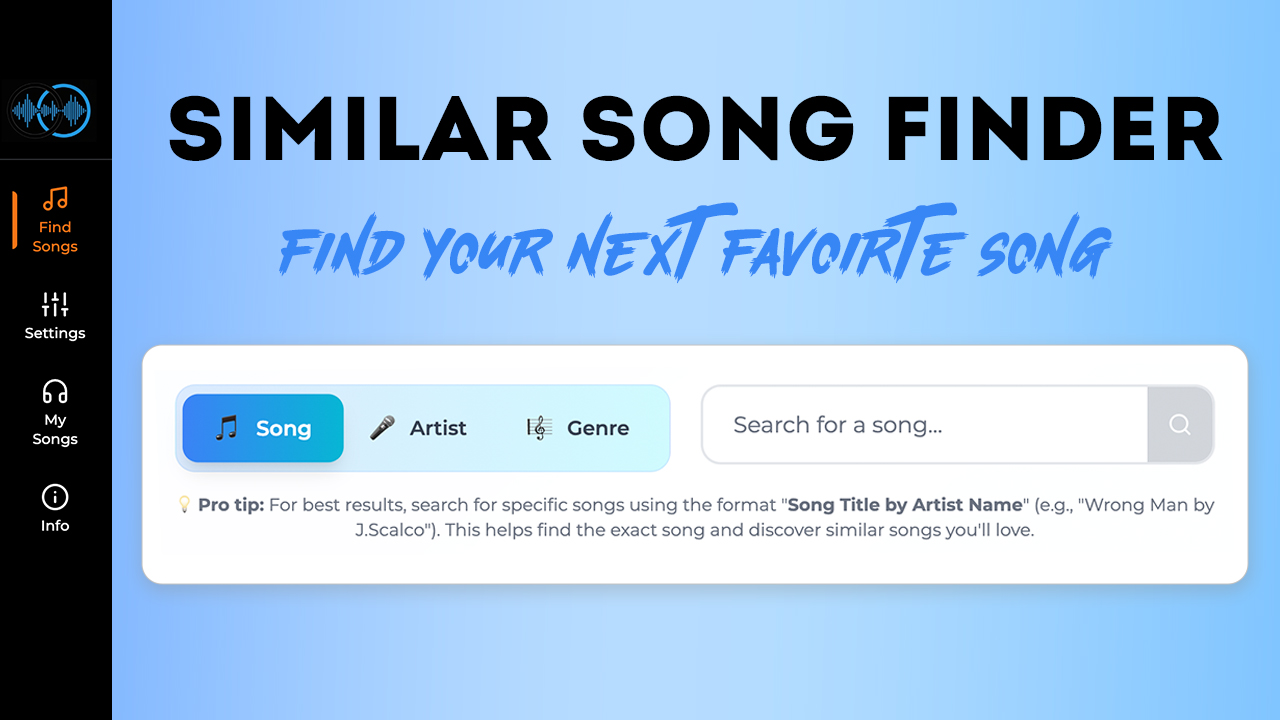
Find songs similar to your favorites with our Similar Song Finder tool. Music discovery, personalized
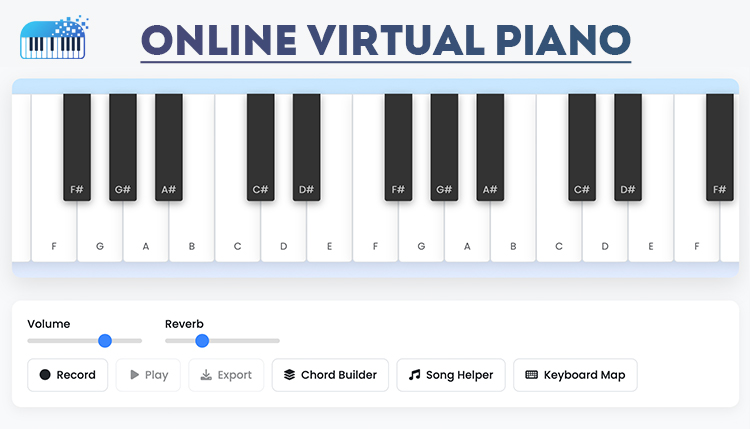
Play and learn piano with our free online virtual piano. Master your first song in
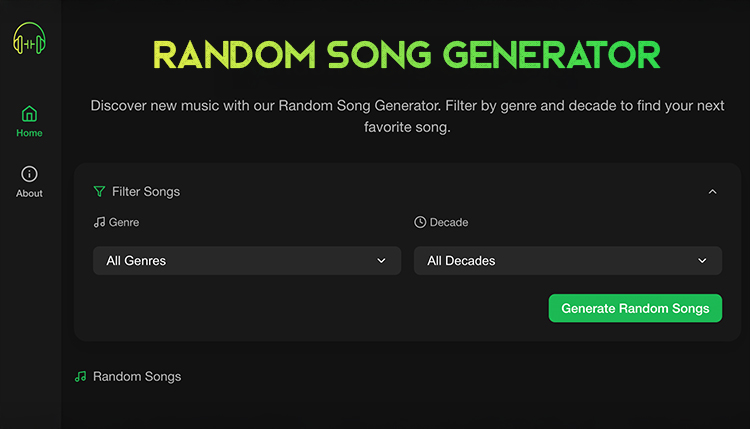
Discover new music instantly with our Random Song Generator! Filter by genre and decade to
The best free online metronome to improve your musical timing and rhythm. Practice with customizable
Convert your WAV files to MP3 online instantly and free. Fast, secure, and easy-to-use WAV
Discover our comprehensive collection of 200+ music symbols with clear explanations for beginners and professionals
Find chord inversions with our free Chord Inversion Finder tool. Learn how to create rich
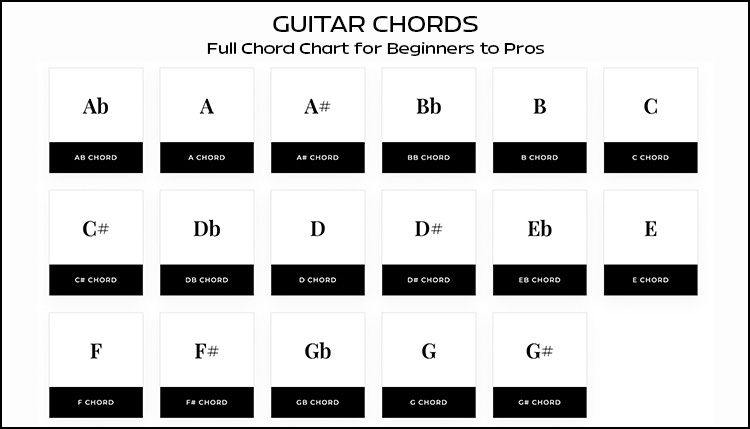
Learn essential guitar chords with clear diagrams, charts, tips for beginners and pros, plus popular

Discover how to find any song by lyrics with our in-depth guide to lyrics search
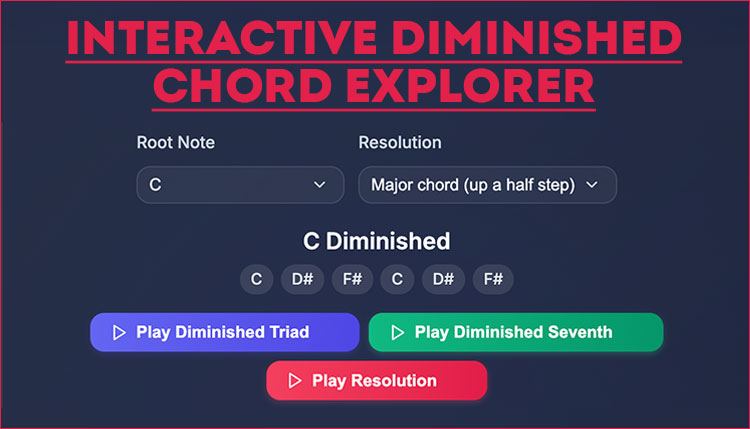
Learn what a diminished chord is, how it sounds, and how to use it in
Use our BPM finder to accurately determine song tempos, improve your DJ mixing, produce better
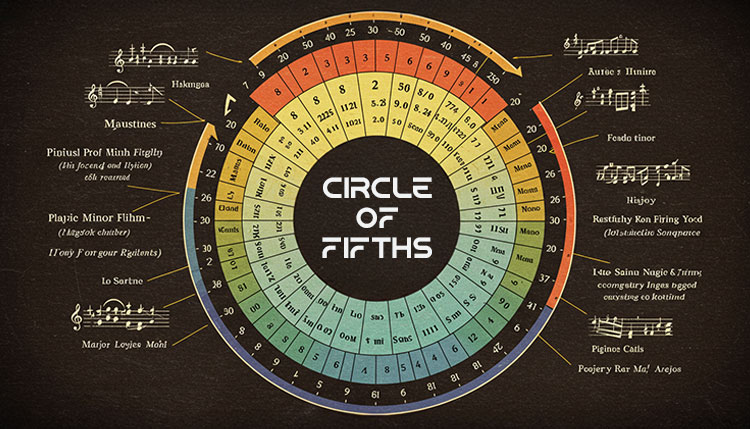
Master the Circle of Fifths with our interactive tool. Learn key signatures, chord progressions, and
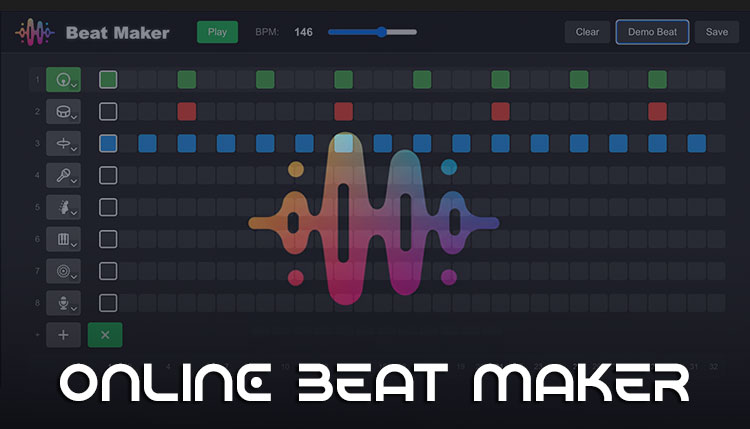
Create professional music with our free online Beat Maker. No download required – start producing
Discover everything about virtual drums in 2025! Learn how to play drums online, compare the

Discover the best song key finder in 2025! Learn how to identify musical keys instantly,
Discover how to use a guitar riff generator to create unique, professional-sounding guitar riffs in
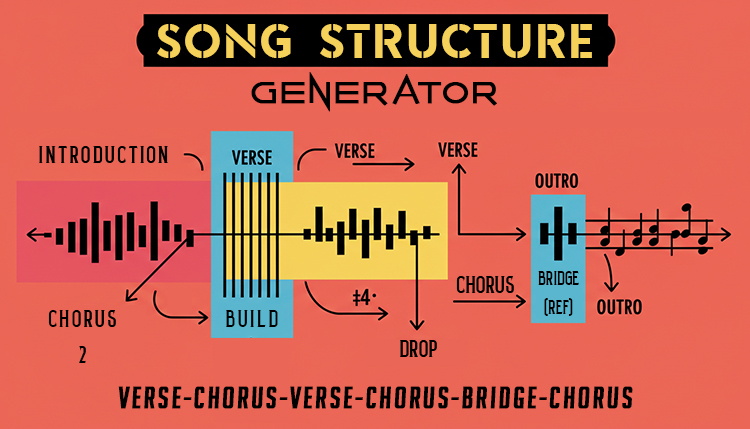
Use our song structure generator to create professional tracks. Learn proven formulas, AI tools, and

Ever wondered if you’re a soaring soprano or a deep bass? Taking a vocal range
Imagine this: you’ve got a melody in your head, but you can’t quite play it
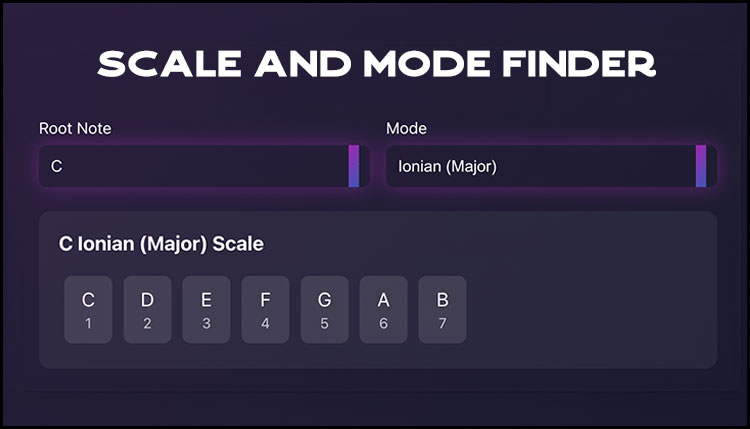
Discover how a Scale Finder helps musicians instantly find scales and modes in any key.
Master the Nashville Number System. Learn how professional musicians use this powerful method for chord
Use our guitar capo chart and placement calculator to transpose guitar chords. Perfect for players
Use our Chord Progression Generator to speed up your songwriting process. This calculator is a

Did you know that 78% of musicians earn over half their income from live performances?
Music is a dance between precision and feel, mathematics and emotion. Whether you’re a jazz
Calculate audio bitrates, file sizes, and streaming quality with our easy-to-use audio bitrate calculator. Learn

Use our free online Lyric Word Count Calculator 2024 to analyze your song lyrics! Get
Need to transpose a song to a different key? Our free key and chord transposition

Quickly convert BPM to milliseconds with our easy-to-use calculator! Perfect for musicians, producers, and audio

Calculate musical intervals between notes or find notes from intervals. A free online tool for